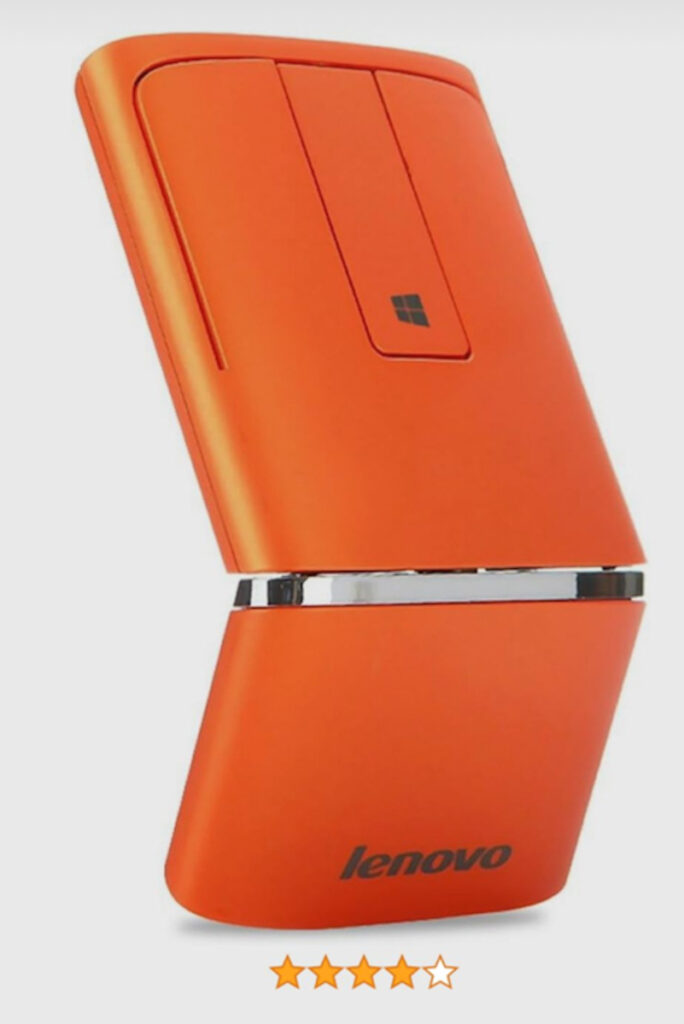
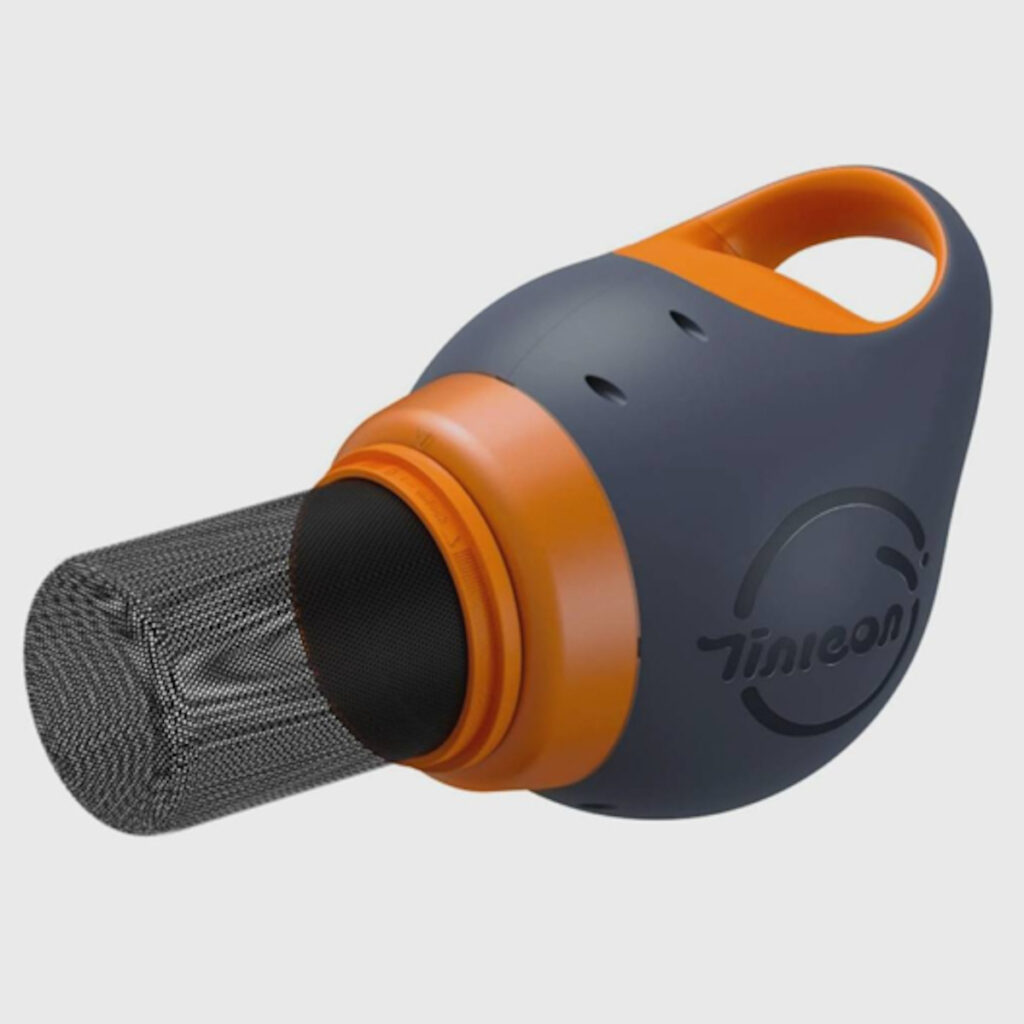
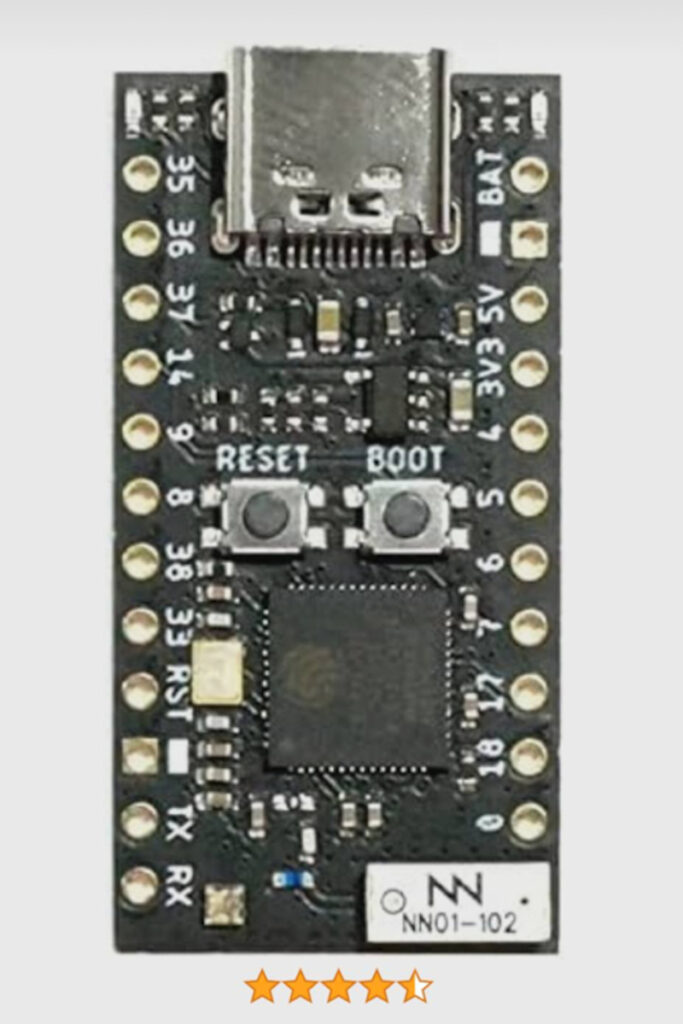
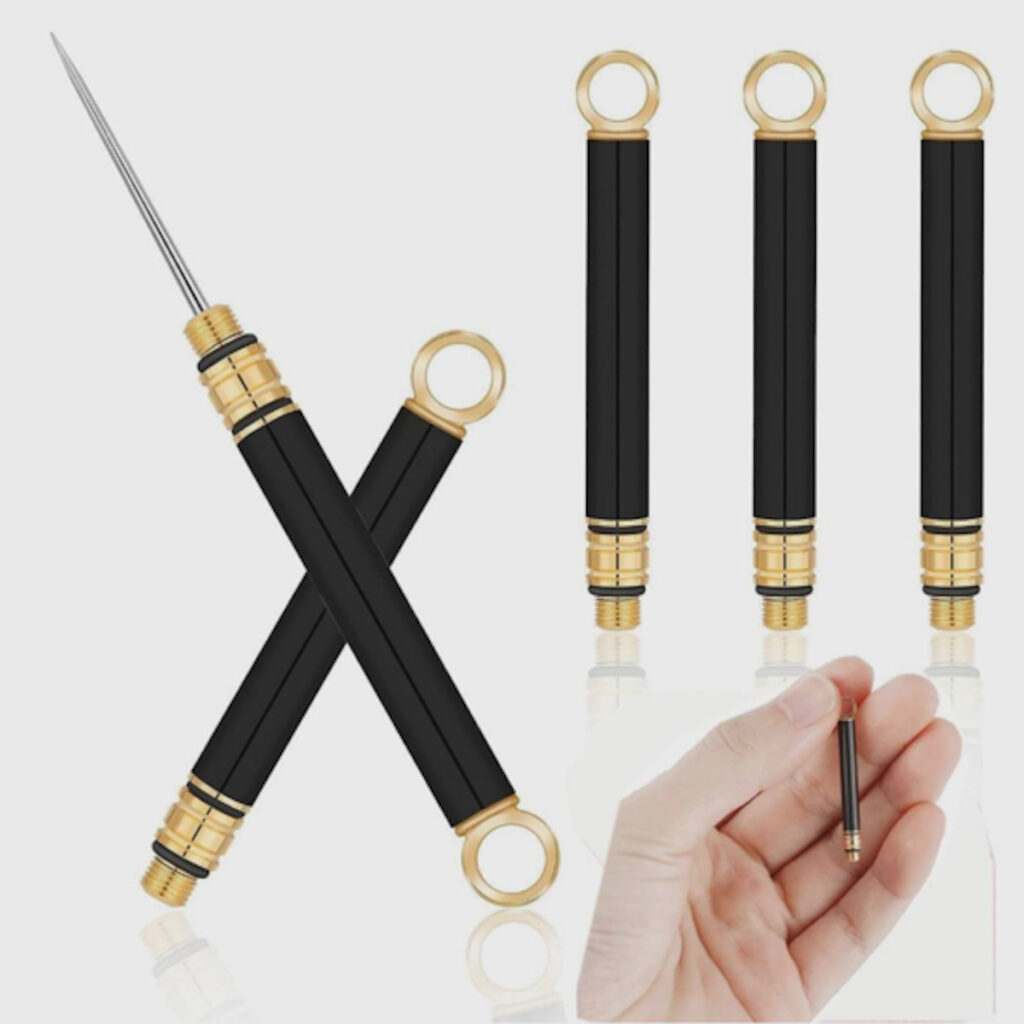
Today is Teknovis’s birthday! So it is fitting to celebrate this with a blog post.
I am getting increasingly strange adverts from Amazon.
I do not mind that the adverts are not relevant to me. Indeed, this makes sense, because I generally restrict (as much as possible) my personal information from being shared.
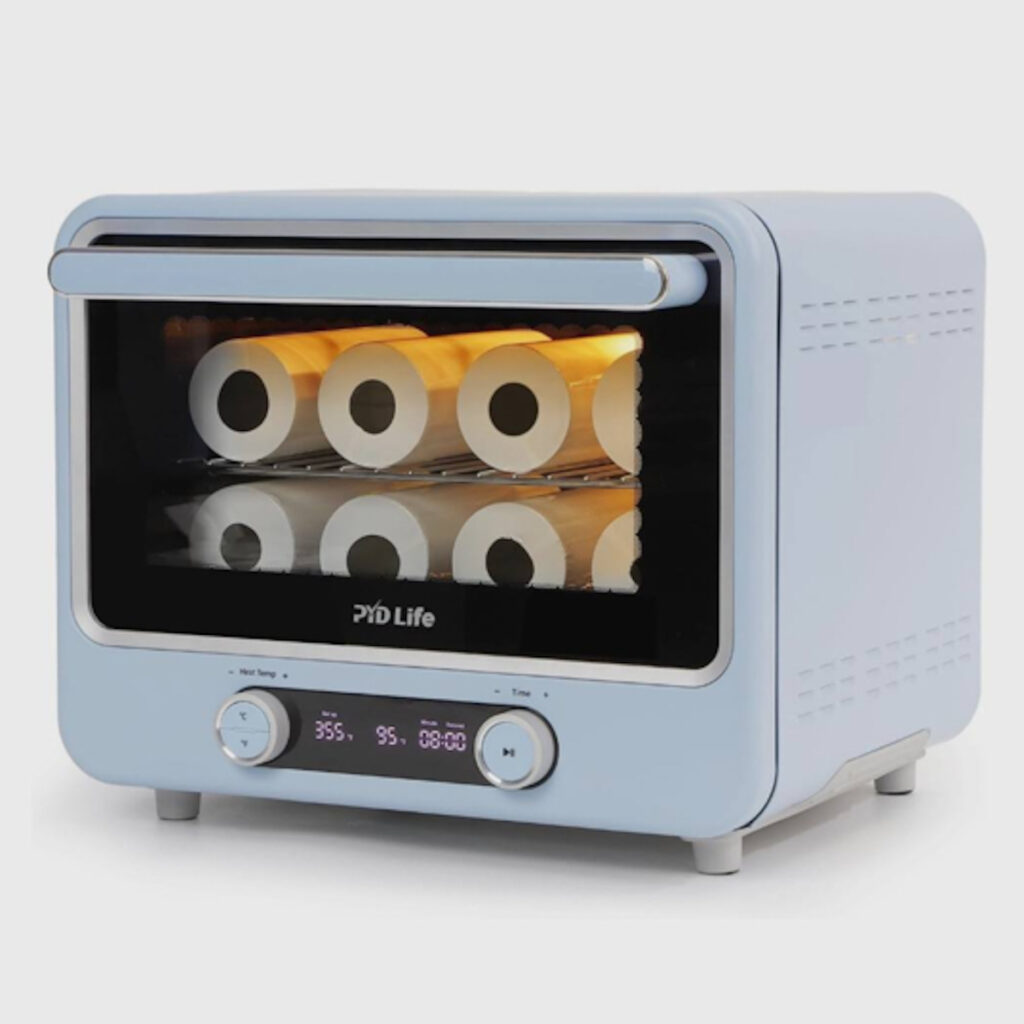
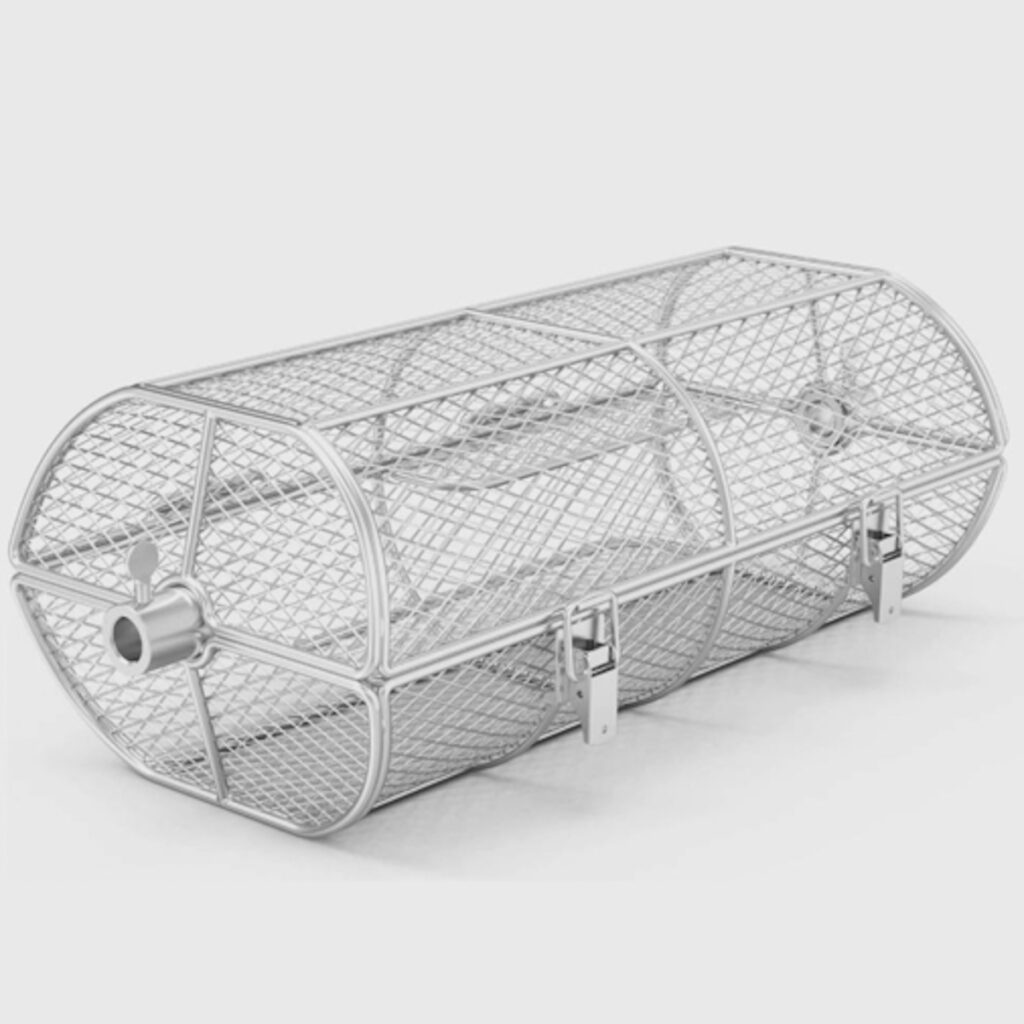
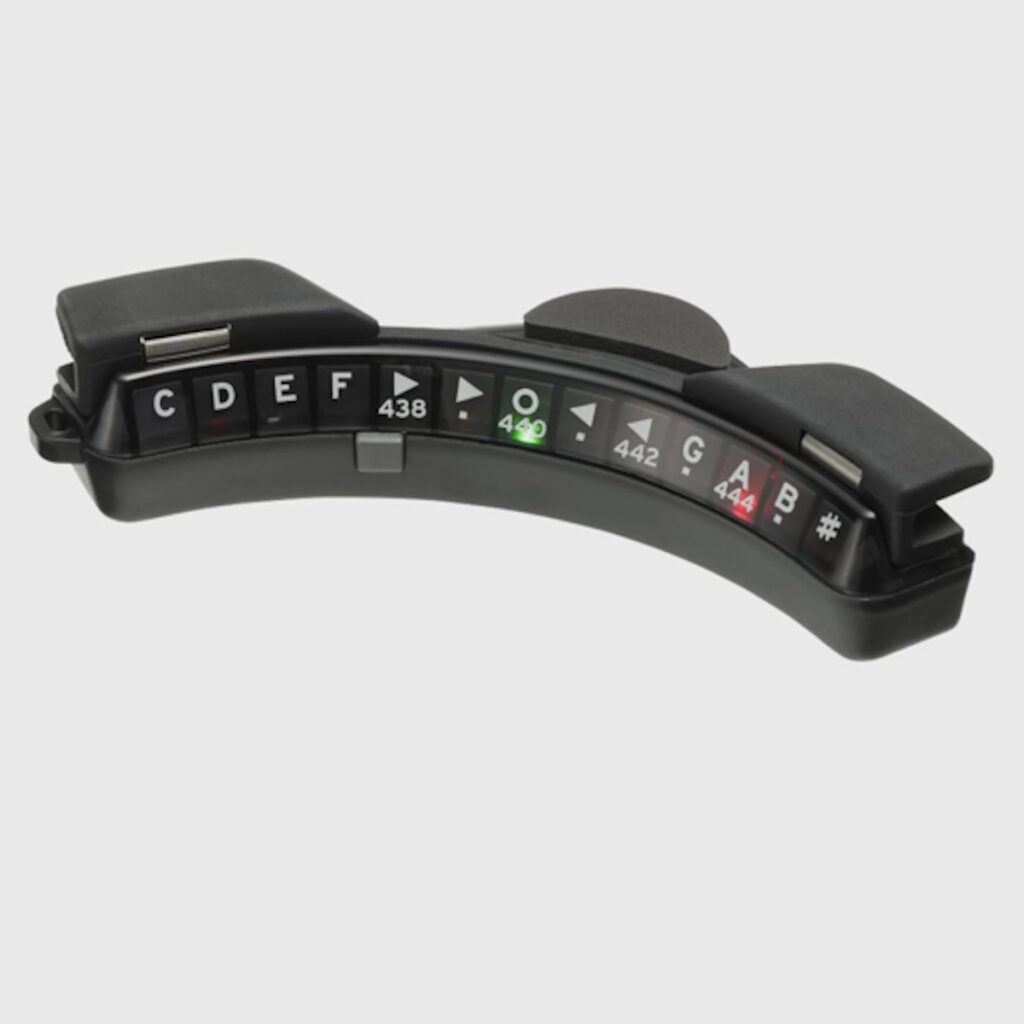
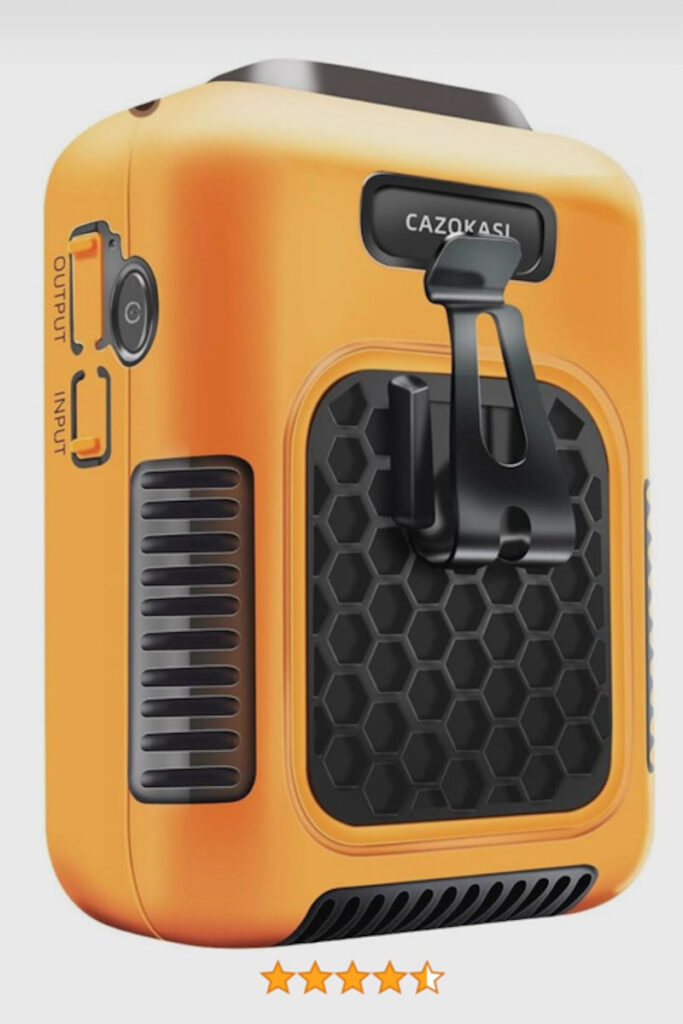
The thing that fascinates me about these adverts is that I do not know what most of these products are, or what function they provide. This seems somewhat like an advertising failure for two reasons:
If you do not know who your audience are, should you try to advertise something useful to a large proportion of the population?
If it is not obvious what a product is or does, should you include a title and/or description of the product?
I will include some of the adverts below. My personal favourite is the toilet roll drying machine 🤣
I attended the Nevo Electric Vehicle Show recently, and I took some phone photos while I was there. I was going to post them on Mastodon, but then I thought that I would add some commentary to them and post them here. Also, it has been a while since I posted here!
I enjoy electric cars, but I should state up-front that I am not really a car enthusiast. Actually, I do very little driving in a typical week! So I doubt that I will be sharing any insightful opinions here!
First and foremost, the show was excellent! Well done to the organisers!
I was there early in the day, so it was comfortable walking around, and I was able to get into every car that interested me without having to wait for more than one person in front of me.
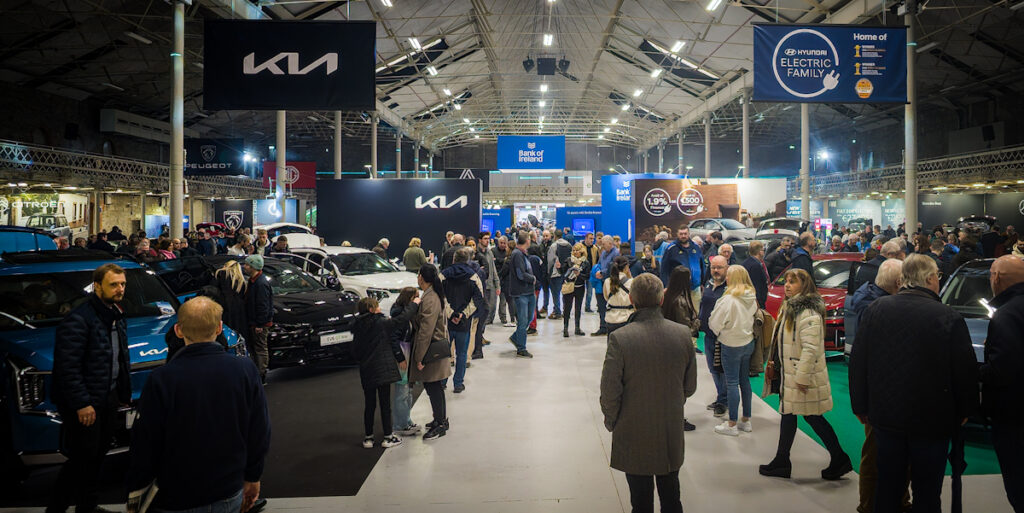
A panorama view of the show from inside the main entrance.
However, I heard that it was uncomfortable busy in the afternoon.
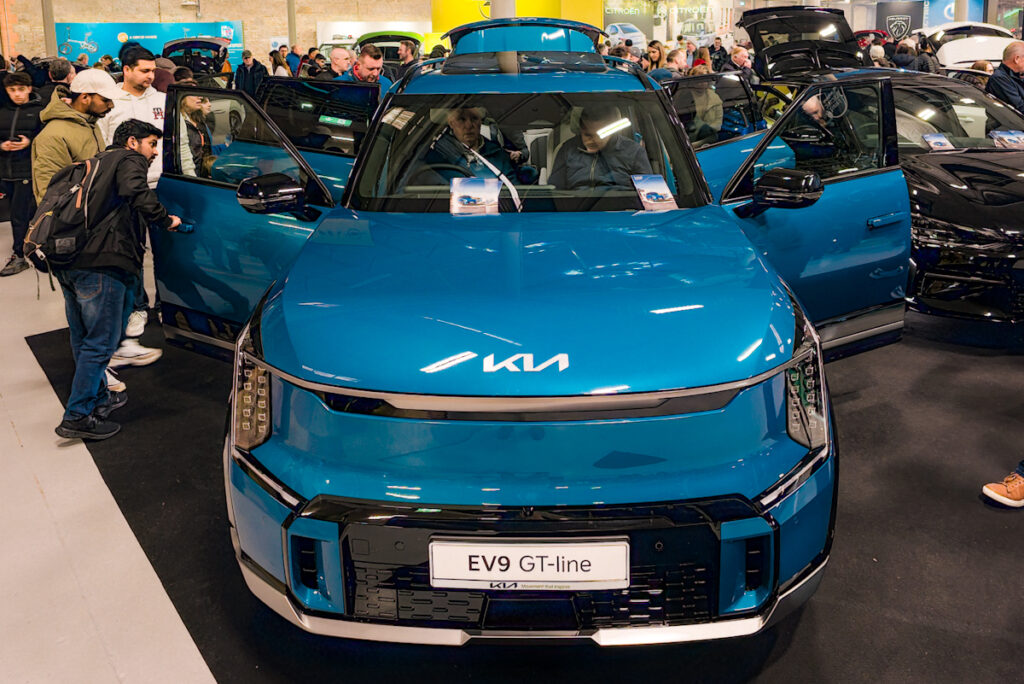
Without a doubt, the vehicle that most captured my attention was the Kia EV9. IT was my first time to see it in-person, and I thought that it looked even more impressive in reality!
Kia EV9
If I was allowed to take any vehicle home from the show, and I then I to drive it for the next two years, then I would select the EV9!
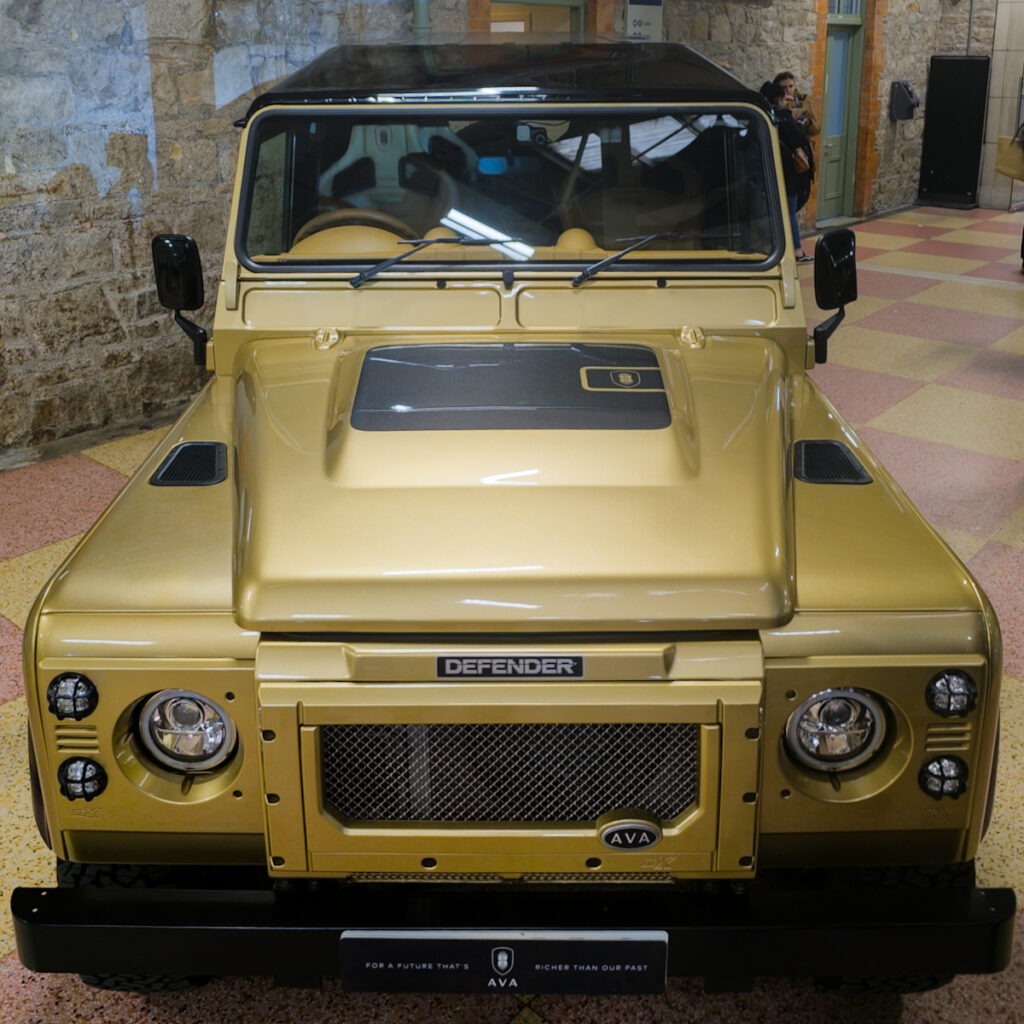
There was a very impressive Land Rover Defender just inside the main door. It looked great, but I do not think that it was a production model. Actually, I do not even know who was displaying it there!
Land Rover Defender nameplate.
Land Rover Defender.
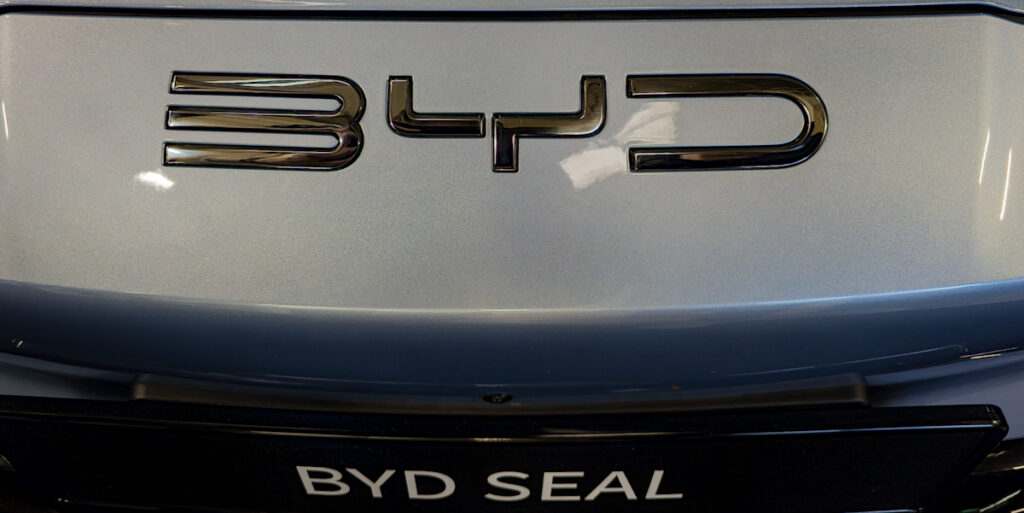
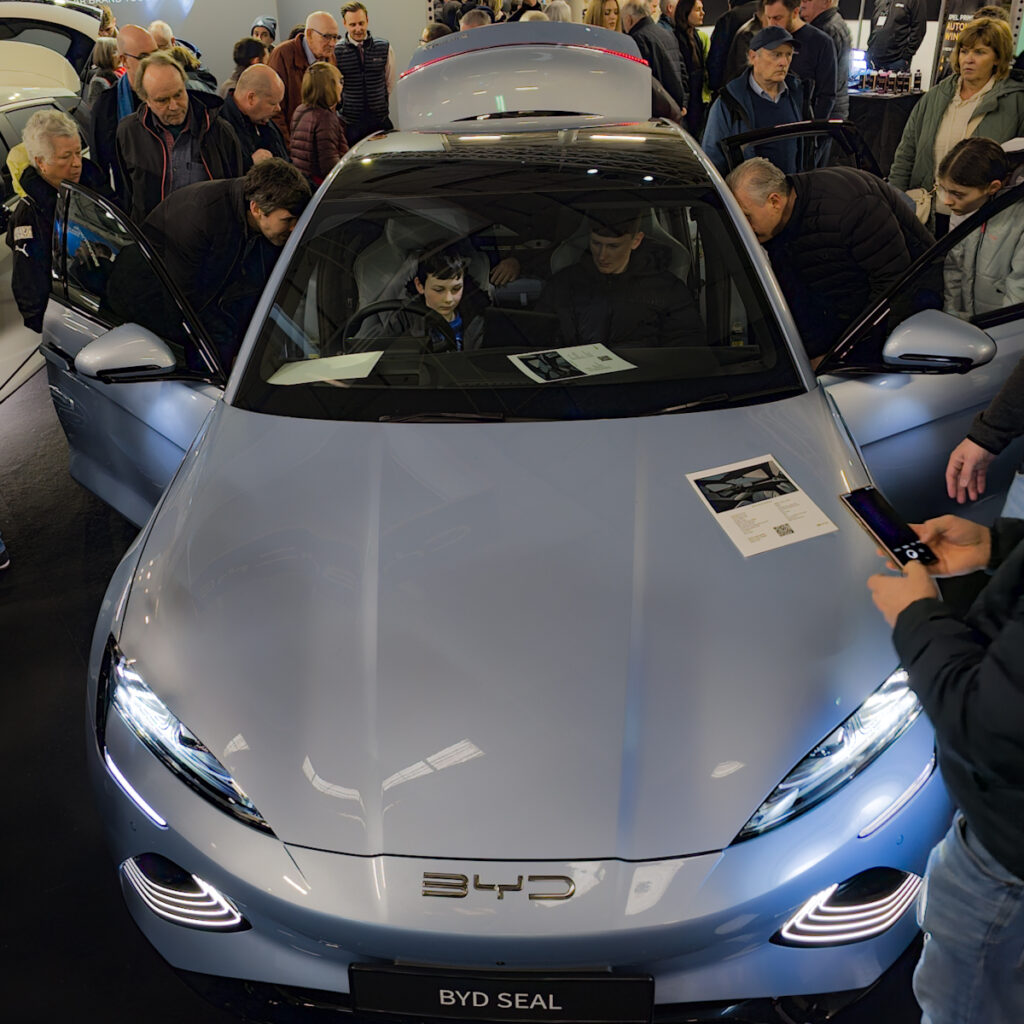
I think that the busiest stand that I saw was the BYD stand. It is not the type of vehicle that I like driving, but it looked extremely impressive. The outside looked very streamlined and refined, and the finish of the inside was very comfortable.
BYD Seal nameplate.
BYD Seal.
Indeed, one of my main take-aways from the show was the bright cabin finishes and glass ceilings really makes a vehicle feel far more spacious.
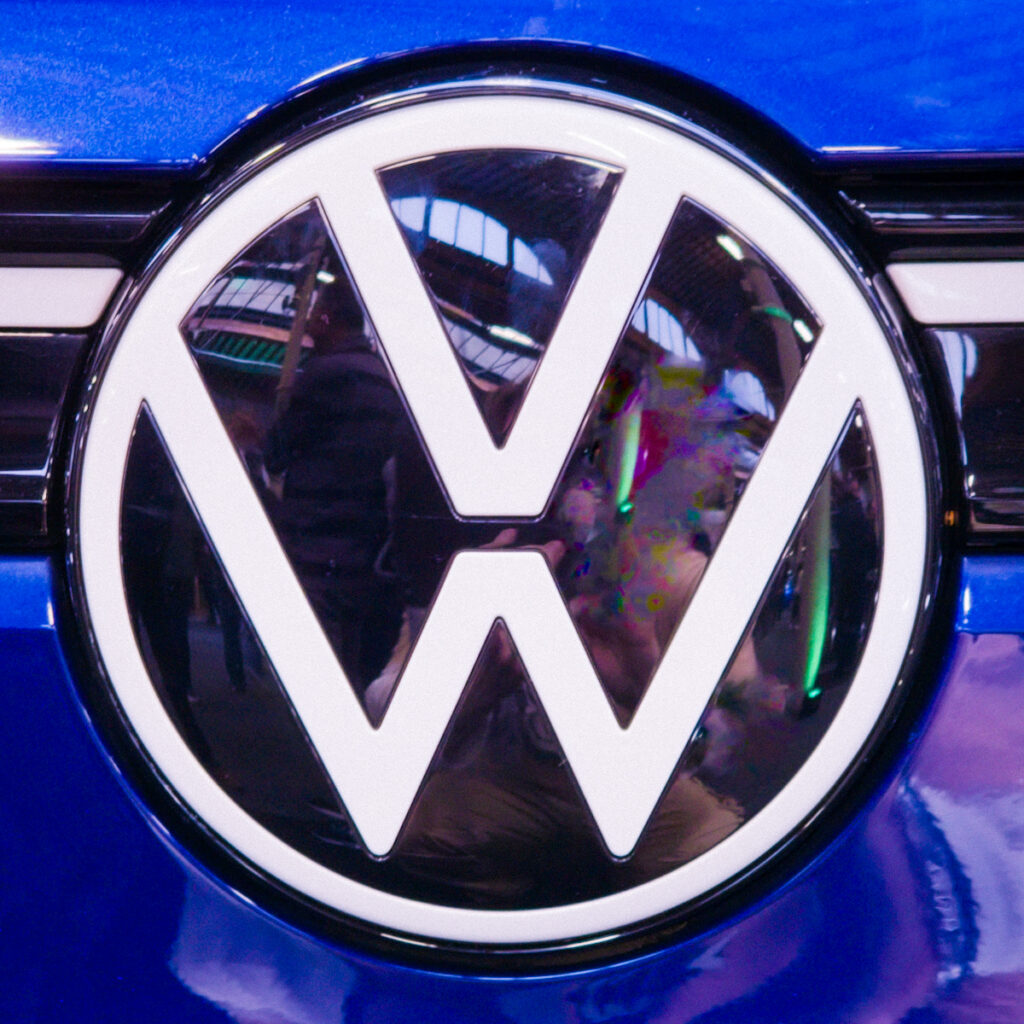
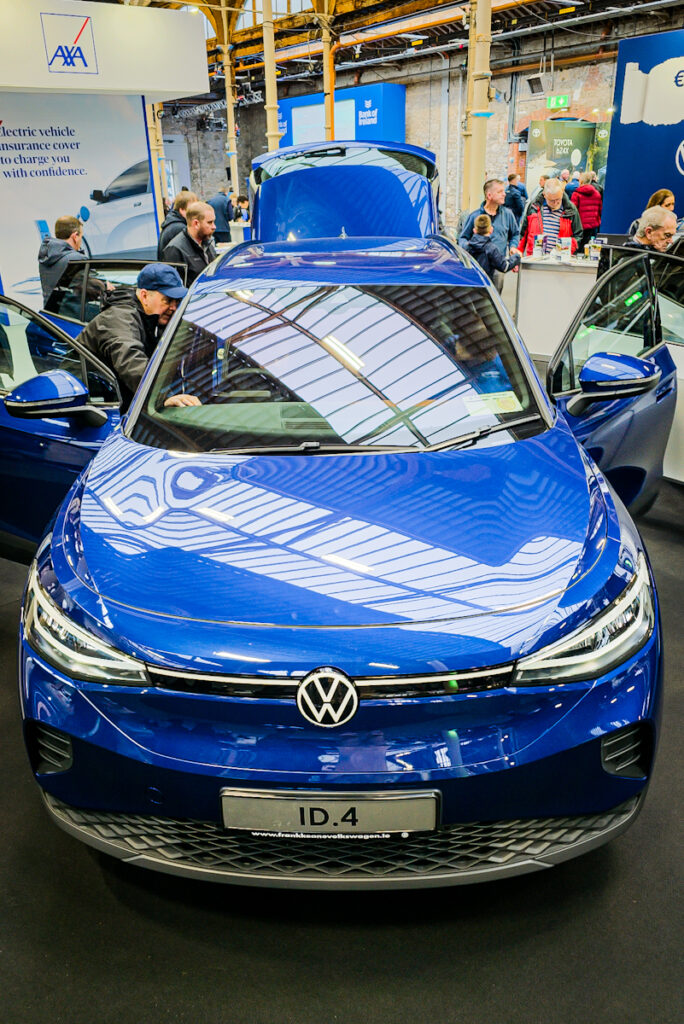
In complete contrast, the VW ID.4 continues to underwhelm me. (I have been in it many times.) It looks great on the outside, but I think that the interior looks and feels uncoordinated. I really dislike the seat covers!
VW ID.4 logo.
VW ID.4.
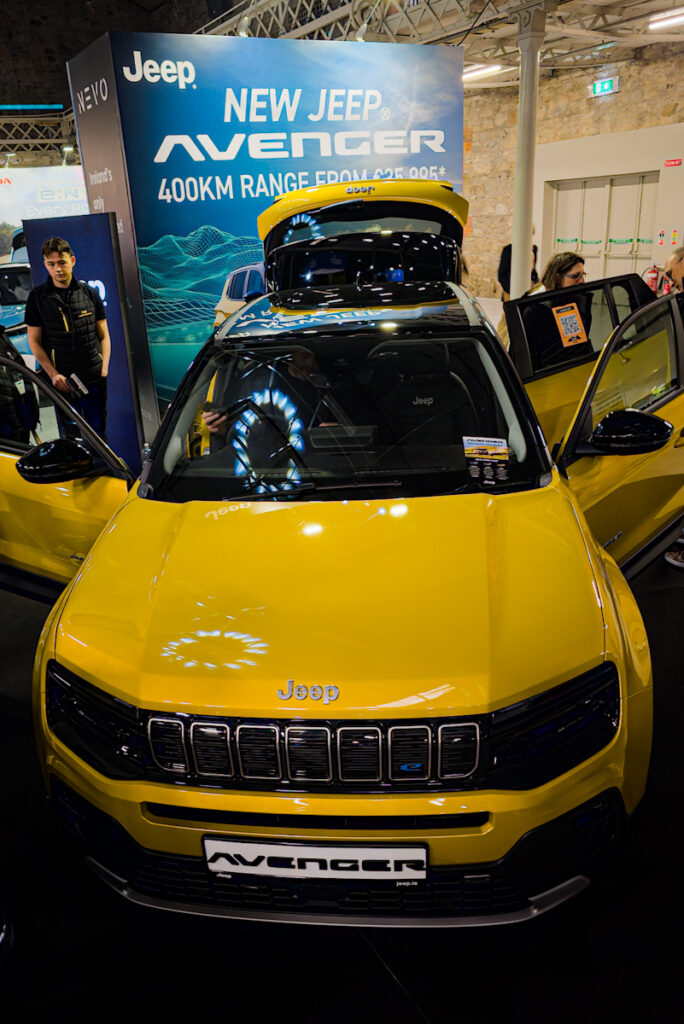
I saw the Jeep Avenger for the first time. This really looked like a fun vehicle!
Jeep Avenger.
I loved the bright yellow finish, but I really think that this colour works best in a sunny climate!
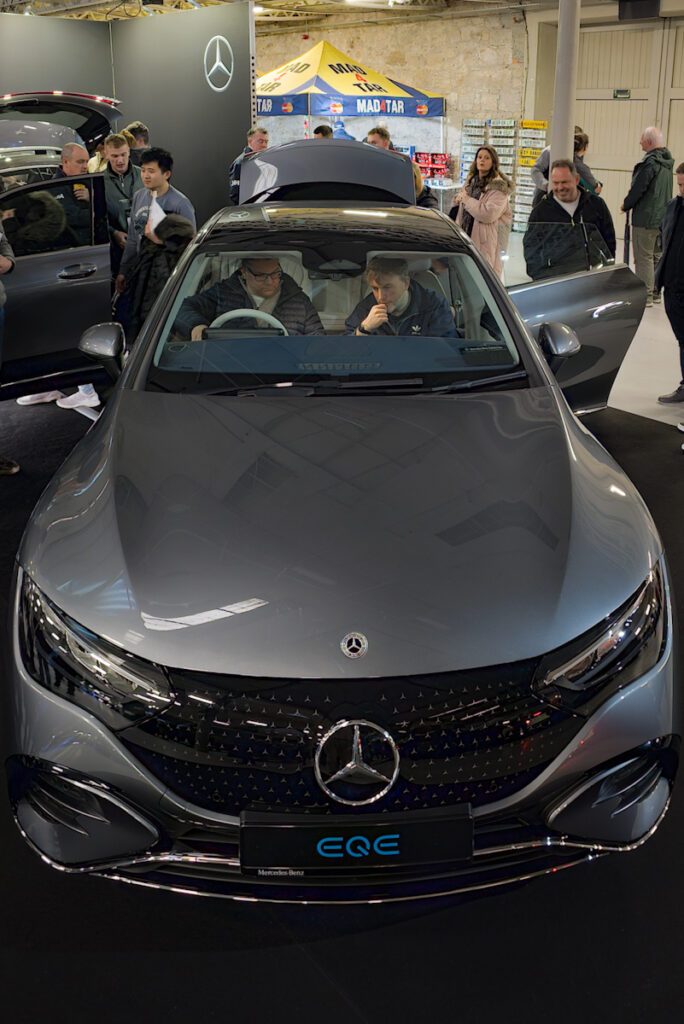
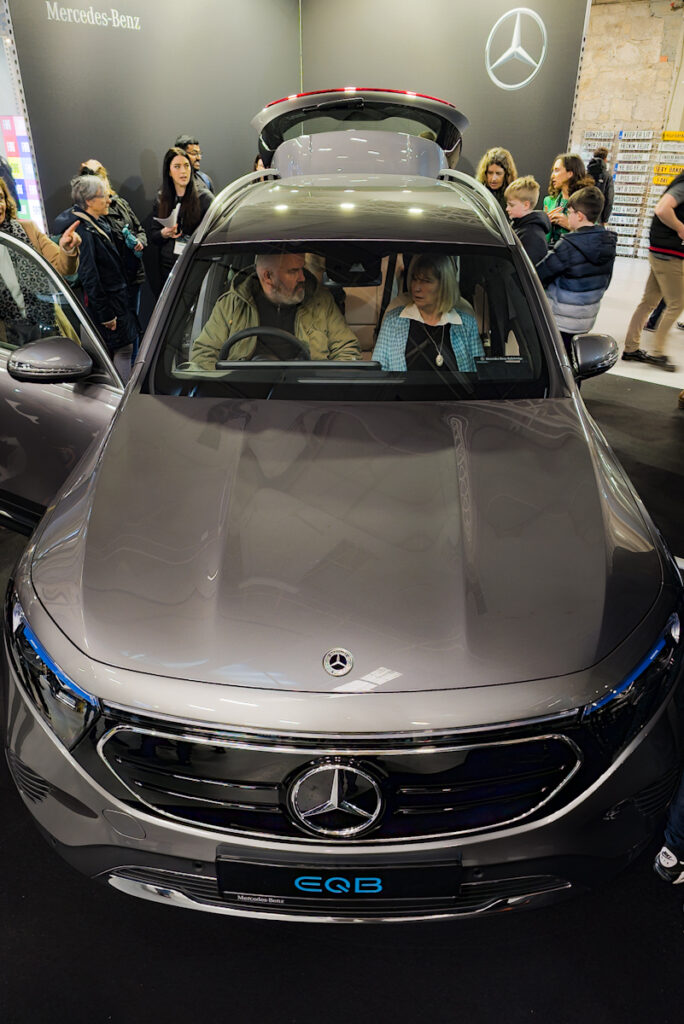
Mercedes had (at leat two electric vehicles there. I thought that they both looked very bland and old-fashioned on the outside.
Mercedes EQE.
Mercedes EQB.
However, I liked the contoured interior of the EQE.
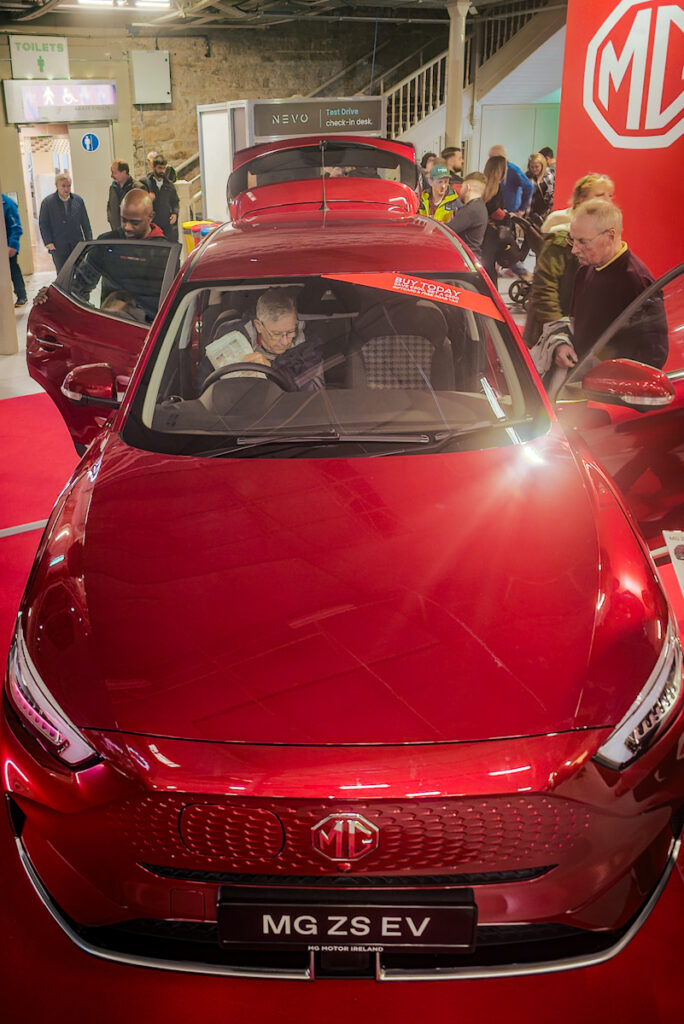
It was my first time to see the MG ZS. I do not know a lot about this car, but I thought that it looked well!
MG ZS logo.
MG ZS.
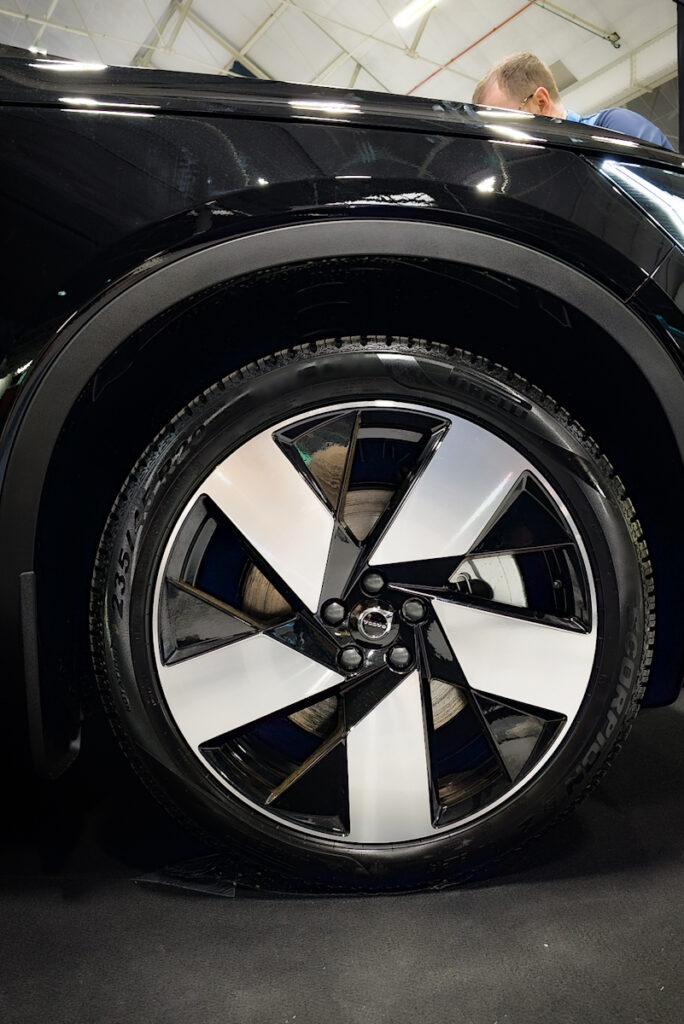
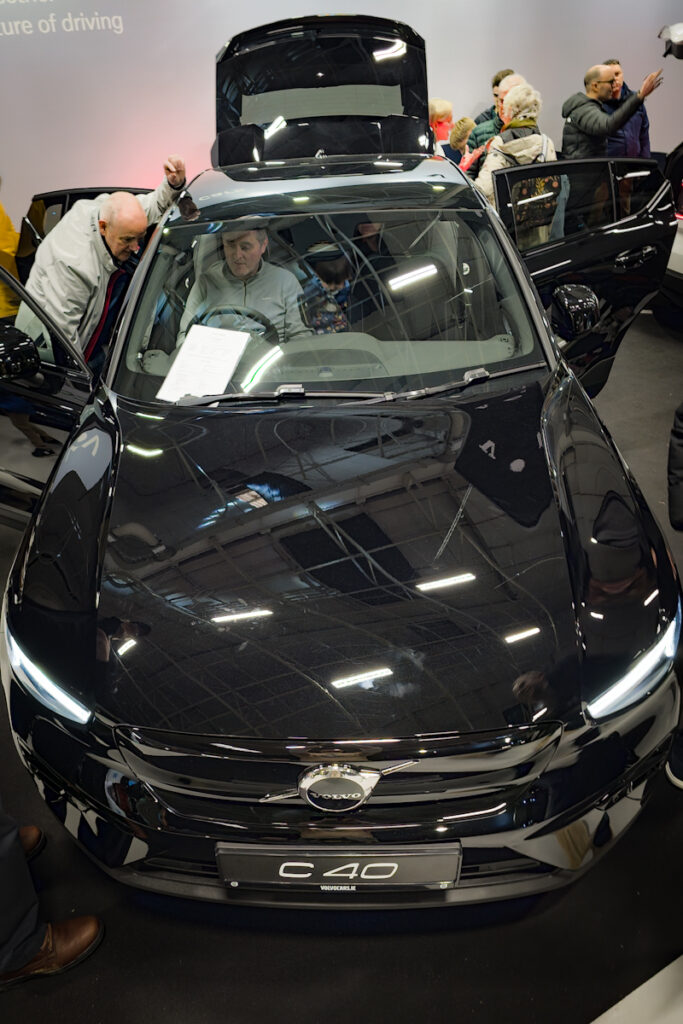
It was also my first time to sit in a Volvo C40. I have seen this car on the roads many times, and I like how it looks. However, I was disappointed by its interior. It was too dark, and it felt very small.
Tesla had a Model 3 and a Model Y there. I have been in both of these cars several times and I really dislike them. The interior looks cheap and unfinished, and I hate the Tesla associations. More importantly, I know a few people that bought ones and they either had to bring the car several times to get minor things fixed (e.g., rainwater accumulating inside the real light housing), or in an extreme case demanding a replacement car.
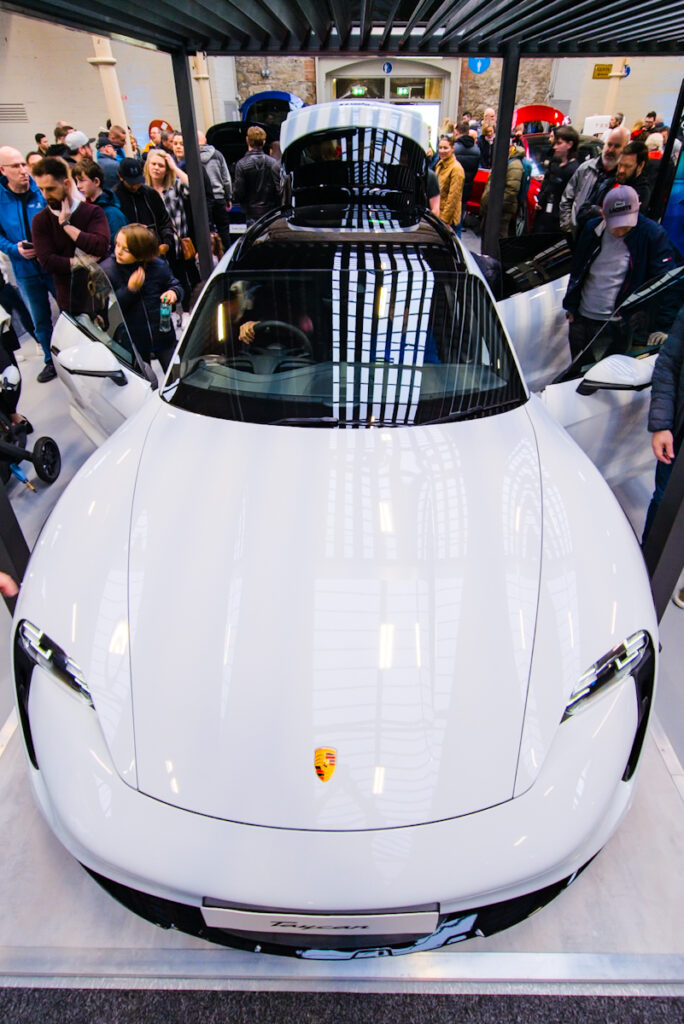
Porsche had a Taycan there. It looked nice, but it is really not my type of vehicle.
Porsche logo.
Porsche Taycan.
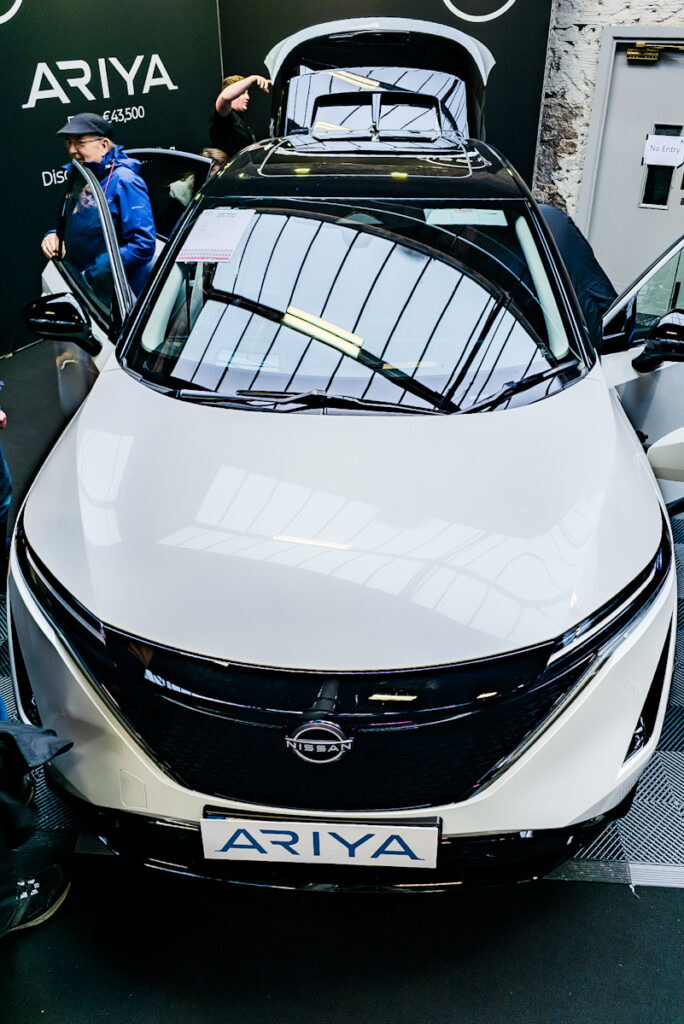
Nissan had the Leaf and Ariya there. I am familiar with the Leaf, but I had never seen the Ariya before the show. I was very impressed and surprised with it. I liked that it was noticeably more spacious than the Leaf, and I also thought that the interior finish was far superior to the inter finish of the Leaf.
Nissan Ariya.
There were two brands that were not there – Audi and Cupra. This was a pity, because I was interested in seeing their offerings.
There is lots happening in the consumer banking space in Ireland at the moment. Two banks are leaving (KBC and Ulster Bank), and the others are vying for the business.
Thankfully these departures do not impact me because I use Bank of Ireland. However, I really dislike Bank of Ireland for the following reasons:
The mobile app experience is horrible. It uses really old technology. I think that it is simply a web browser wrapper for a mobile website.
The mobile application looks really dated. Perhaps it would have looked good 15 years ago.
The mobile application is extremely cumbersome to use.
The mobile application does not provide any notifications relating to money entering or leaving the account.
The desktop interface is equally horrible – especially on a widescreen display.
The ability to self-service is very poor.
There are no analytics.
Requirements
So I started looking around for a new bank. My initial intention is that the new bank account will complement (rather than replace) my existing bank account. This can obviously change if the new bank account works well.
I do not use a wide range of banking services. Instead there are a few services that need to use a lot. So my criteria are fairly simple:
Full support for both mobile and desktop interfaces, because I use both my phone and my computer for banking.
Send and receive money within the Eurozone using IBANs (but not particularly urgently).
Free or low cost for basic services.
Primarily for use in the Eurozone (not only Ireland).
I am not interested in ATM withdrawals, savings schemes, foreign exchange, travel services, crypto currencies, and any general gimmicks.
Options
Irish Banks and Financial Institutions
I looked at the Irish banking options, but none particularly excited me. If I had to use an Irish option, then I think that the Credit Union option looked the most promising.
Revolut
Next on my list was Revolut. I know many people who happily use it, but my general impression is that it is aimed more at teenagers, and that it focuses more on gimmicks rather than core services.
Nonetheless I investigated Revolut, but ultimately there were two things about which I was unhappy:
Russia and the UK feature in its ownership and operations.
The desktop interface appears to only provide a subset of services.
N26
I had heard of N26 before, and it is generally mentioned in reviews of online banks, such as the following:
So I decided to proceed with N26 after reading as many reviews as I could online.
Fun fact: N26 got its name form the number of cubes in a Rubik’s Cube!
Opening the Account
The N26 website stated that I would be added to a waiting list before I tried to open my account, but there was no waiting when I opened my account. The process for opening the account was very straight-forward.
I initially opened a free “Standard” account. However, my intention was to then upgrade to a “Smart” account (more about this later). My reasons for updating were that I was interested in:
Spaces
Shared sub-accounts
You can see the differences between the various accounts in Find a plan for you.
Physical Card
You can order a physical card with the Standard account, but I have not dine this yet. I will probably get one as a backup, although I do not currently see any need for it.
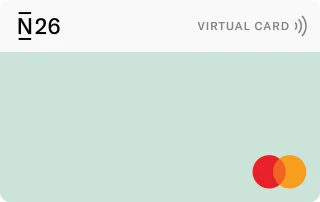
One thing that I dislike about all of the cards is that they look so bland!
N26 Debit Card
I would love (in other words, pay) to be able to upload my own image for printing on a physical card!
Experience to Date
I have been using the account for a few months now and so far I am loving it!
The mobile and desktop interfaces are lovely. I use the dark themes, and they look great! I love that retailers’ logos appear alongside their associated payments. It makes finding a particular payment very easy.
Electronic transfers, online payments, and contactless payments all work flawlessly, and I have had no problems so far. I love that I get notifications on my phone when money enters or leaves my account.
One thing that I am not very clear on is how contactless payments above 50€ work. I have had one purchase that was almost 100€. The merchant told me that it accepted contactless for this, so I used my phone. I was asked for a password, but it was not clear to me which password I should use. I tried one, it did not work, and then I paid using a different method because I did not want to lock my account.
Problem
I have only had one problem so far… My partner tried to open an N26 account at the same time as me, but this application was rejected with an unhelpful message:
We’ve reviewed the information you provided and we must inform you that according to our current verification procedures, we’re unable to offer you an N26 bank account at this time.
It is a useless message, because it does not explain what the problem is, or how it can be solved. This is where a bank with a physical presence would be better than an online bank.
I do not understand what went wrong, because my partner and I have almost identical backgrounds (from a financial perspective).
I pursued this with N26’s online support. The assistance was very understanding of my problem, and I was assured that this would be investigated.
As promised, we received a follow-up email a few days later However, it was also equally useless:
We couldn’t confirm your application to open a new account, since your user information could not be validated.
I have two theories about the cause of the problem:
My partner’s passport seemed to be more reflective than my passport, so maybe the details could not be extracted from it.
Perhaps some version of my partner’s address was not matching the current address that we provided.
Conclusions
N26 is great so far! However, unless my partner is able to open an account then I will definitely not upgrade to the Smart account, and it is quite likely that I will move to another bank.
The next step is to try opening an account for my partner by changing some of the details (such as using better lighting for the passport photos, using an alternative postal address).
I recently travelled by air for the first time in 18 months. I was not travelling for work, but I was working while I was abroad, so I had to bring my laptop with me. The experience taught me that I needed to buy some new accessories!
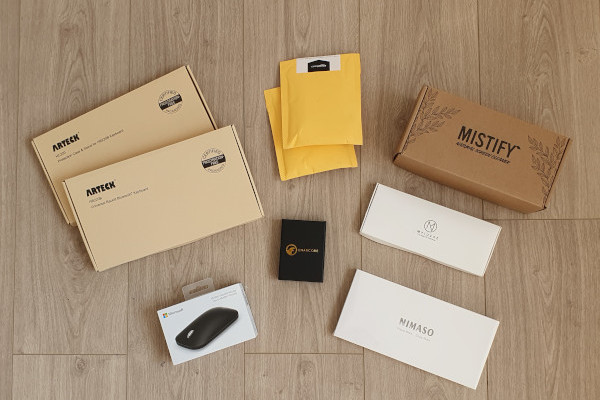
All Accessories
Bluetooth Keyboard
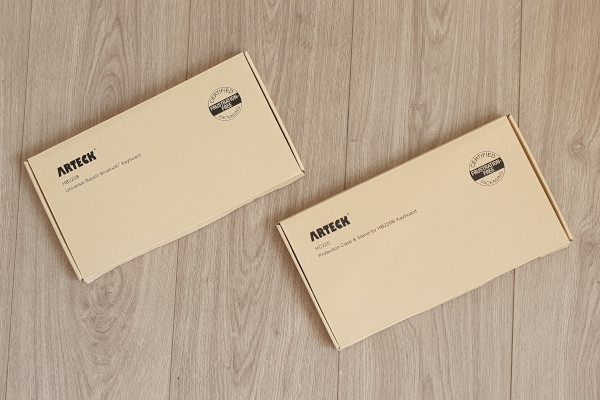
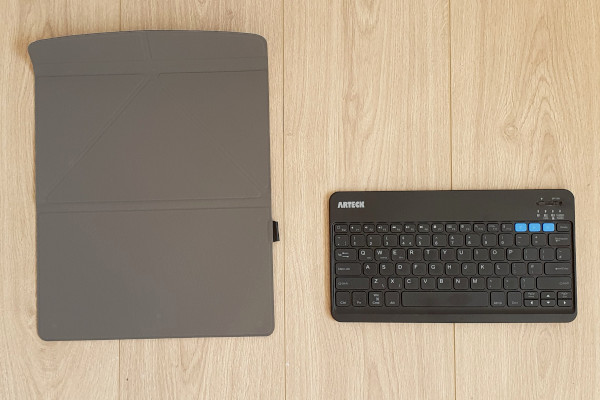
I already own an Arteck Bluetooth keyboard, and I use it with my phone a lot. I think that it is extremely useful, and I love it. However, I needed to buy a new one for travelling. So I bought the Arteck HB220B. I also bought the Arteck HC220 Protection Case.
Bluetooth Keyboard Boxed
Bluetooth Keyboard Unboxed
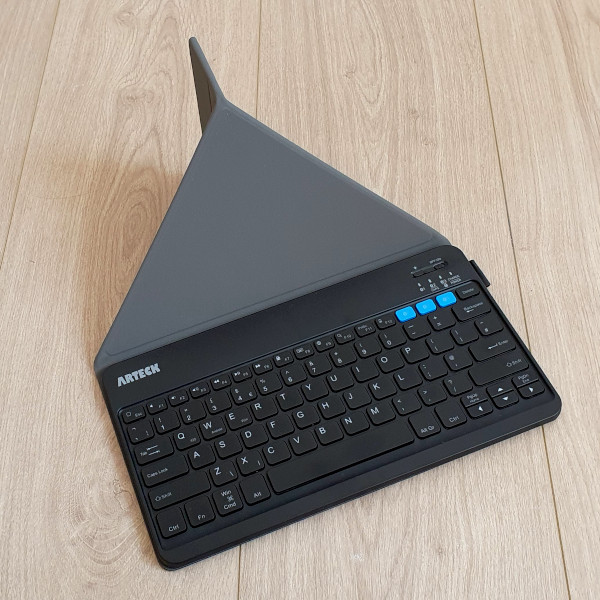
Bluetooth Keyboard with Cover
Both the keyboard and the cover are excellent. There are two features of the keyboard that are especially useful to me:
It is backlight, so it is very easy to use in low-light locations (e.g., a room at night, on a plane). There are seven backlight colours to choose from!
The keyboard can be used with three devices at the same time, and you simply switch device by pressing one of the bright blue buttons on the top right of the keyboard.
The keyboard and cover were the only accessories that I bought from Amazon UK. I was concerned that if I bought them from Amazon DE (Germany) then the layout of the keys would be slightly different. (I know that the functionality of the keys can be changed in the operating system, but the stickers on the keys would still be wrong.)
Screen Cleaner
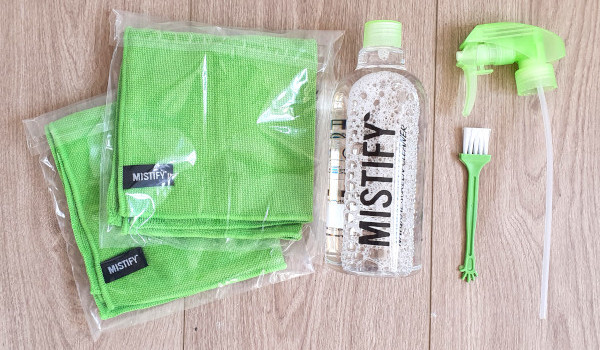
I am extremely fussy about keeping my laptop and phone screens clean, and I really hate streaks or specs on either. So I bought this Mistify Natural Screen Cleaner Set that includes clothes and solution.
Screen Cleaner Boxed
Screen Cleaner Unboxed
This is working well, and I have no streaks on my screens!
Carabiners
You can never have enough carabiners in my opinion! I think that they are extremely useful for connecting things to the outside of a laptop bag, and even to a trouser belt. A typical use for me would be clipping my headphone case to my trouser belt before boarding a plane so that I have easy access to them during the flight without having to open the overhead bin and opening my bag!
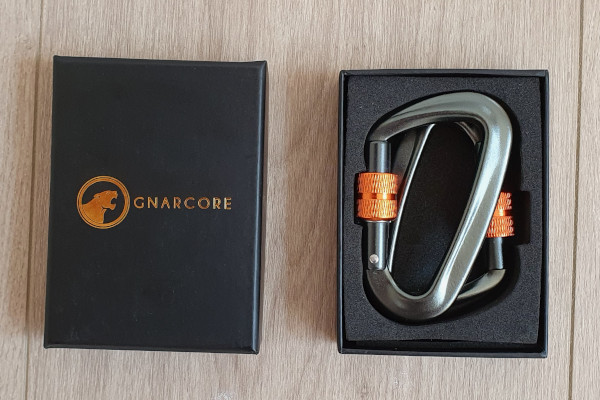
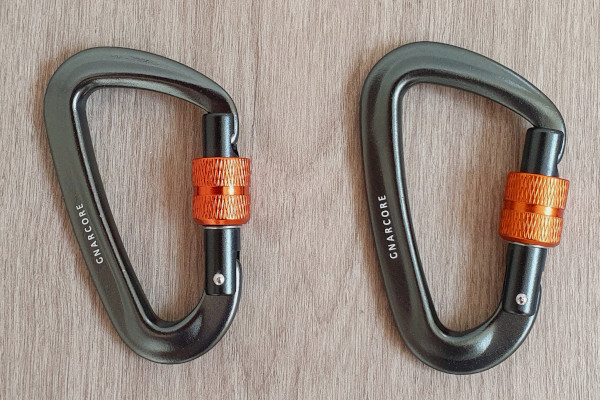
Unfortunately the exact pair of locking carabiners that I bought does not seem to be available any more, but these ones are similar: GnarCore Carabiner Set.
Locking Carabiner Boxed
Locking Carabiner Unboxed
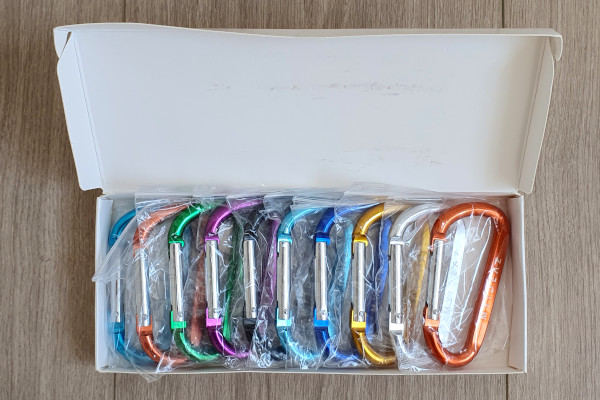
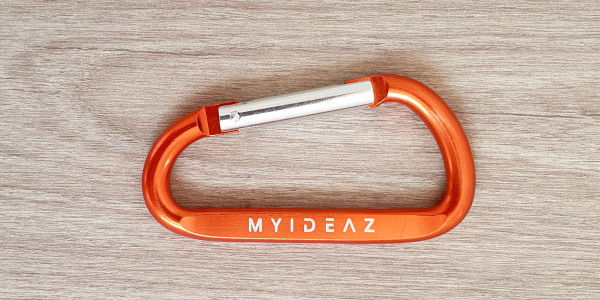
I also got a box set of cheaper non-locking carabiners: MyIdeaz Carabiner.
Carabiner Set Boxed
Carabiner Set Unboxed
I love the colours, but I thought that individually wrapping each carabiner was a waste of packaging.
Carabiner
Combination Locks
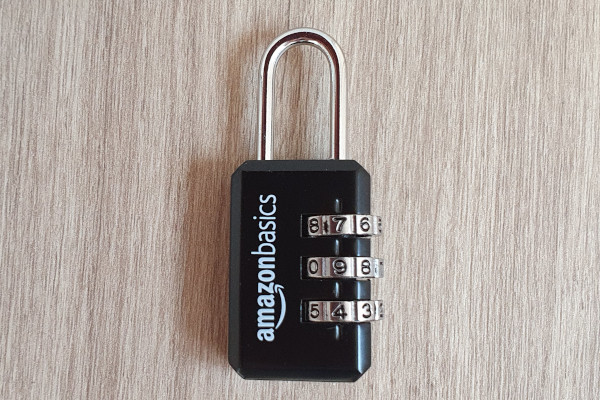
On two separate occasions I have had people try to pickpocket my backpack while I was wearing it, so I bought Amazon Basics AB-PL108 Luggage Locks to prevent this.
There were many other brands to choose from, and some of the other locks definitely looked more secure. I wanted combination locks, but I did not want locks that could be opened using a TSA key.
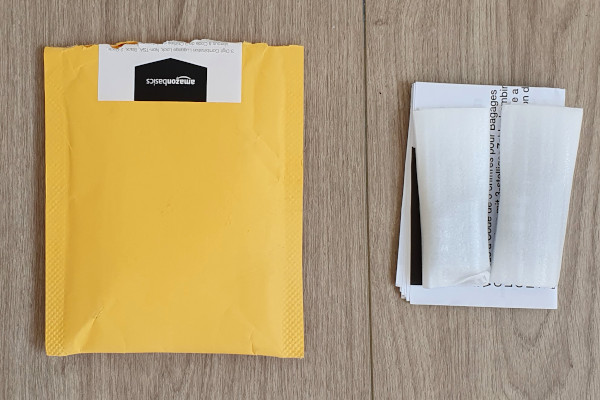
Combination Locks Packaged
I did not realise that there were two locks in the packet until I opened it!
Combination Lock
The locks are very light, and they are unlikely to offer any resistance against a tool.
USB-C Cables
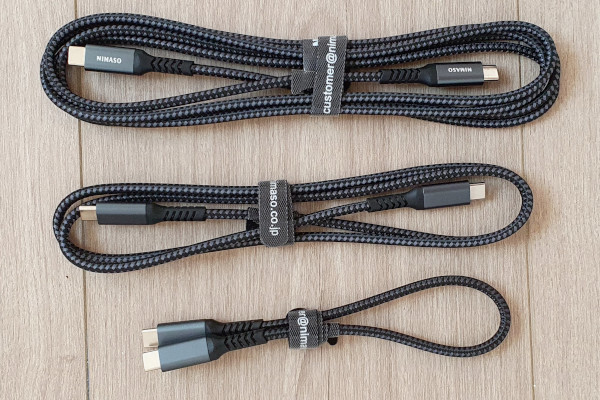
Finally, I bought some USB-C to USB-C Cables. My laptop has only USB-C ports, and my phone is USB-C, so it is very convenient being able to connect them together without any adaptors.
USB-C Cables
I liked this set because it contains three cables of very different lengths. I am probably using the shortest one the most when my phone is on a table beside the laptop.
I have been using mindmaps for years, and I think that they are great! I was using FreeMind, but recently I found it stale and dated looking. Its successor (Freeplane) did not look much better.
I asked some colleagues what they were using, and XMind was the dominant answer. I liked the look of it, so I decided to give it a try.
Initially I was confused about the differences between XMind 2020 and XMind 8. I found two pages that summarise the differences:
However, I still found the differences confusing. Luckily you can can download them both and try them both – which is exactly what I did (in my Windows Sandbox)!
My conclusion is that XMind 2020 is a better tool for pure mindmapping, whereas XMind 8 contains a broader range of functionality, but less functionality for pure mindmapping.
Hence I decided to use XMind 2020. The main things that I like about it (beyond the fact that it is great mindmapping software) are:
There is a light mode and a dark mode.
It renders well on 4k screens.
The built-in styles look very elegant and fresh.
There is a good choice of graphic decorations (e.g., Markers and Stickers).
Unfortunately it is not perfect, and the following aspects annoy me:
There is a lot of wasted space on the toolbars, and there is no ability to add more icons (e.g., it would be nice to have a “Save” button there).
It supports multiple tabs, but I struggle to open an existing mindmap in a new tab. Instead, the second mindmap opens in a new window – which I hate! Luckily there is a workaround (How to open existing map in new tab?).
Panning using the mouse wheel is horrible (but at least you can use the right mouse button instead).
I recently bought a new DellXPS 17 laptop. It has been years since I last blogged, so I thought that this would be a good time to post something new!
Unboxing
My unboxing experience with Dell has been very positive in recent years, and this was no exception. Having said that, I am not too fussed about the unboxing experience!
A courier delivered my laptop in a normal brown cardboard box. I opened this, and I took out the XPS 17 box.
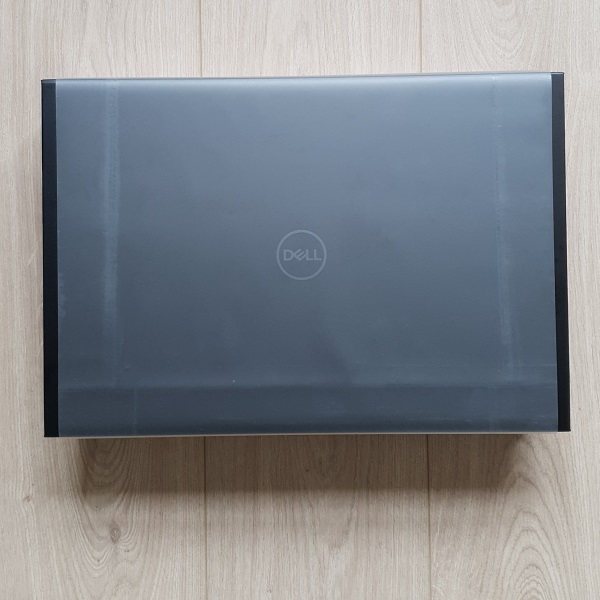
Dell XPS 17 Box
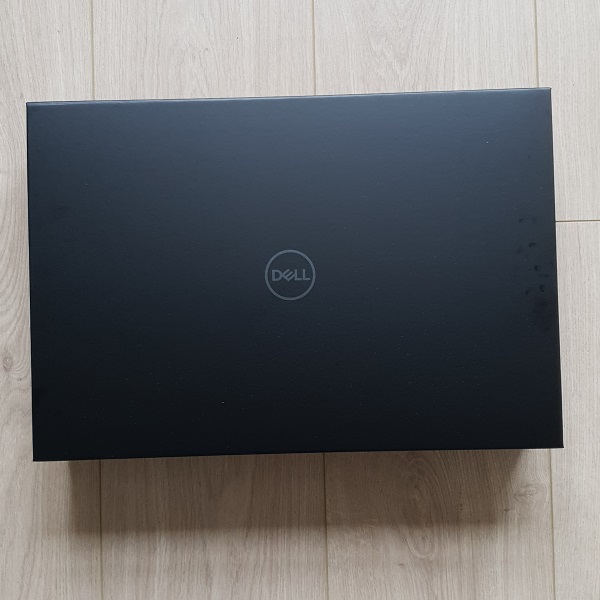
I assume that the clear plastic wrap was to protect the black box from scruff marks, but I thought that it was an unnecessary use of plastic. Also, the black box looked much better without the plastic wrap.
Dell XPS 17 Box
The box itself is very nice. It is kept closed by a magnet in the flap. I have keep the box for some other (as yet unknown) purpose! The laptop is within this box.
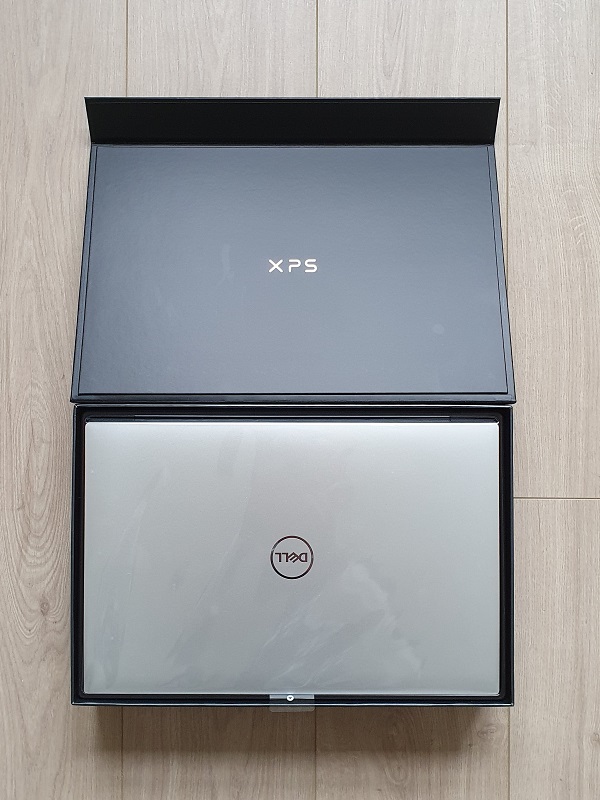
Dell XPS 17 in Box
The laptop is also wrapped in clear plastic, but this is probably more worthwhile then the outer plastic wrap on the box.
The charger and supplied adapter (Thunderbolt to USB and HDMI) are underneath the laptop.
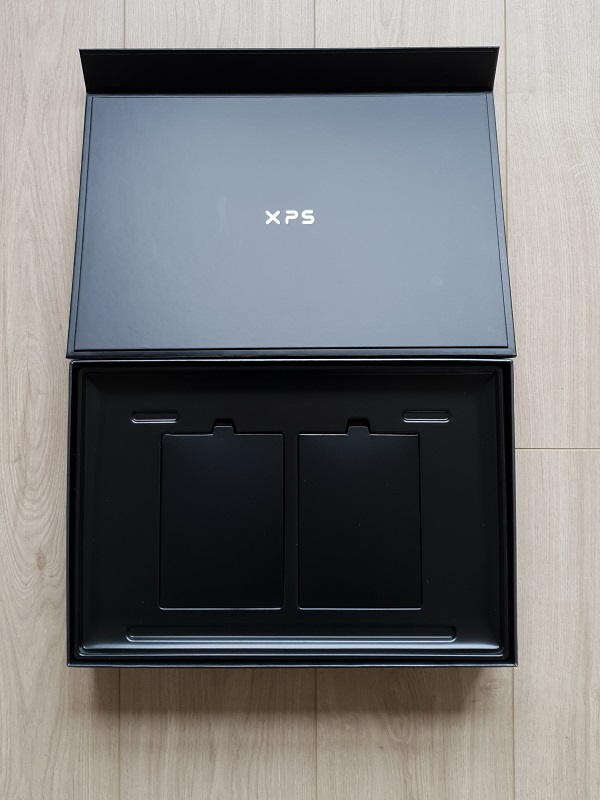
Empty Dell XPS 17 Box
I was actually surprised that so little of the box is used. I think that it probably could be less than half of its height.
Perhaps the best thing about the unboxing experience is that the plastic is 100% recycled, and some of it has been salvaged from the sea! Well done Dell!
Accessories
I also bought a new mouse and a wired network adapter.
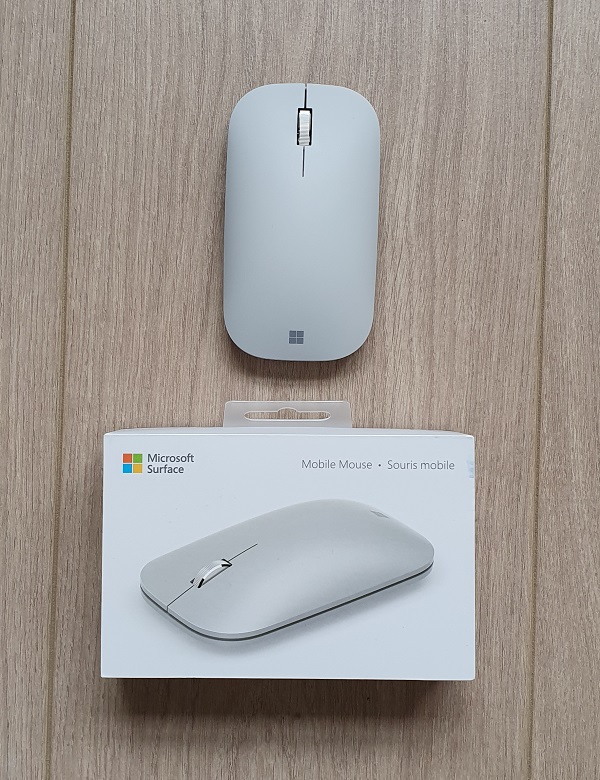
The mouse is a MicrosoftSurface Mobile Mouse. The most confusing thing about buying this mouse was its name, and the difference between it and the Microsoft Surface Mouse!
I generally like Microsoft mice, but this one was a bit a gamble because it is so slim in the vertical direction. Luckily I find that it is very comfortable, and I love that I do not need to use a dongle in my laptop because it is a Bluetooth mouse!
Microsoft Surface Mobile Mouse
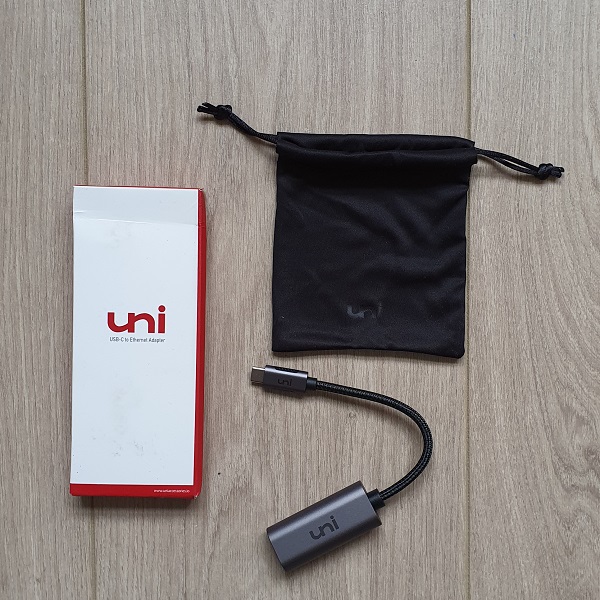
The wired network adaptor is from a brand that was not previously known to me. I use a wireless connection most of the time, but there are occasions when I need to upload/download gigabytes from my local network (e.g., raw photos for post-processing). I will use this adaptor on these occasions.
Wired Network Adapter
The only difficulty that I had when buying this adaptor was trying to understand the differences between a Thunderbolt adaptor and a USB-C adaptor.
I bought both the mouse and the wired network adaptor from Amazon Germany.
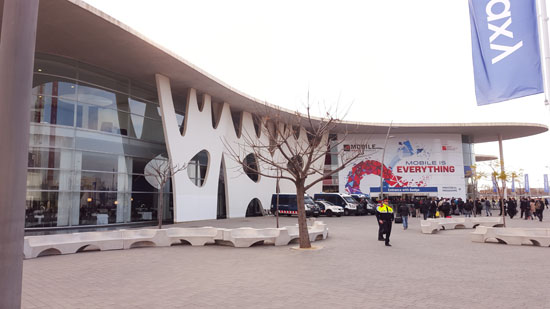
I have been threatening for ages to write-up some thoughts on Mobile World Congress, but at this stage I am writing less than I originally planed, and much later than originally planed! However, it is better late than never!
Mobile World Congress
The major themes this year (based upon walking around) appeared to be:
Virtual Reality: This was probably the biggest new area, and there were many impressive demonstrations!
Phone Cameras: Lots of advancements here, and I think that the smart phone manufacturers are finding new ways to differentiate themselves (e.g., dual lenses, dual pixels)
Wearables: Nothing here really impressed me!
Connected Vehicles: Every large stand had some sort of vehicle present, although very few actually needed them present!
5G: There was very little about 5G, which was a surprise to me!
Perhaps the show has peaked in technical terms, and it is becoming more focused on consumer products!
Some other non-technical thoughts that struck me were:
I did not see a single booth babe!
I think that there were less local university students than in previous years promoting products that they did not understand!
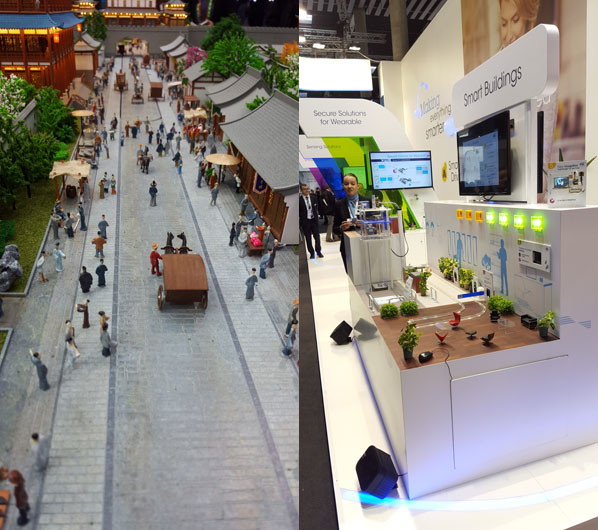
Local model makers probably did good business!
Mobile World Congress Models
I live tweeted photos and thoughts during the event, and you can view these on my Twitter feed.